How to Create Custom Stickers on WhatsApp — Easy Step-by-Step Guide

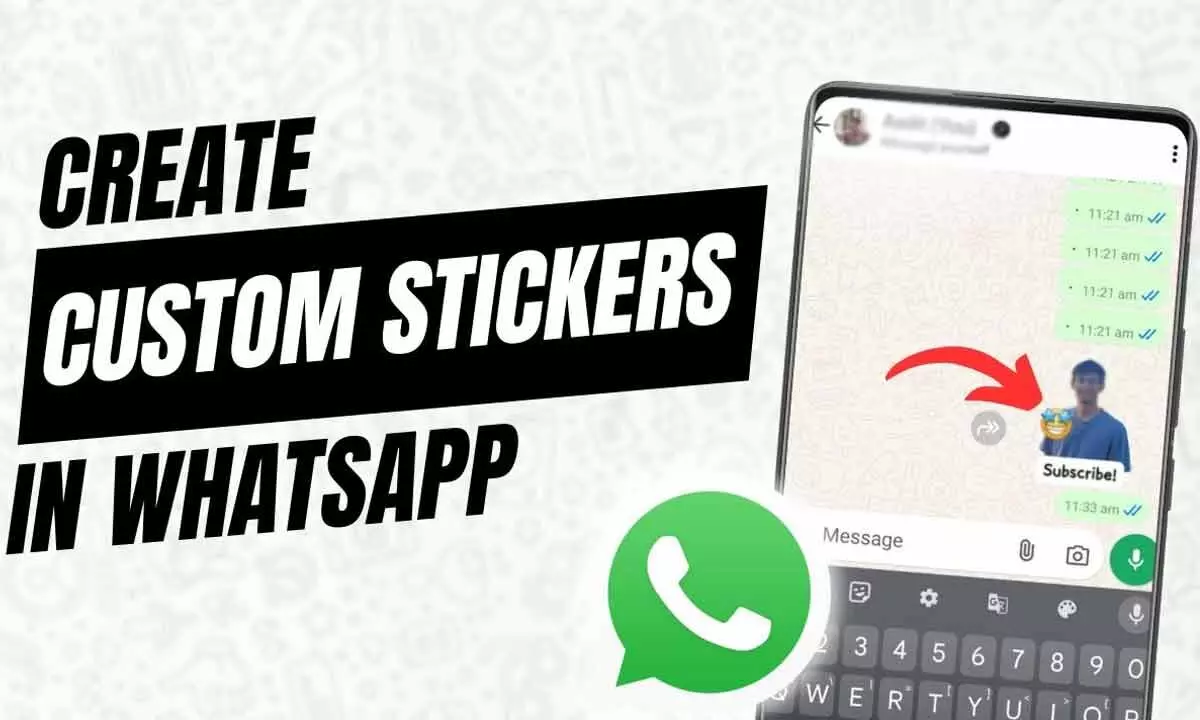
This quick guide walks you through creating unique stickers and sharing them with friends.
Discover how to design, personalise, and manage your own stickers on WhatsApp. This quick guide walks you through creating unique stickers and sharing them with friends. This easy guide will help you create engaging stickers, be creative, and access them anytime.
How to Create Custom Stickers on WhatsApp
1. Open any chat and go to the stickers section.
2. Tap on Create or the pencil icon.
3. Choose an image from your gallery or capture a new photo.
4. On the editing screen, you can:
- Add emojis to enhance your sticker.
- Insert text using the T option.
- Draw freely using the pencil tool.
- Cancel edits at any time using the X icon.
5. Tap '>' to send your custom sticker instantly.
With these simple steps, you can turn your everyday photos into fun, expressive stickers and make your chats more engaging.