OpenAI Debuts ChatGPT Translate to Rival Google Translate

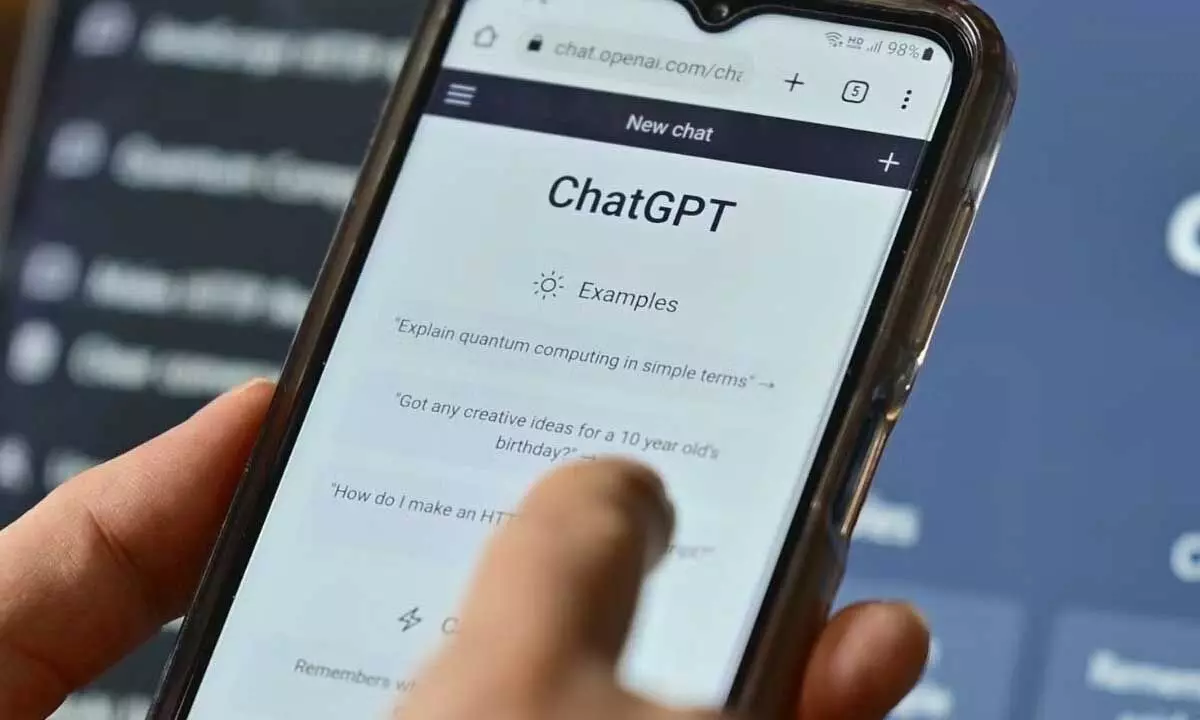
OpenAI’s new ChatGPT Translate adds AI-powered tone, style, and clarity controls, signalling a fresh challenge to Google Translate.
OpenAI has quietly rolled out a new translation feature called ChatGPT Translate, marking its latest move into territory long dominated by Google Translate. While ChatGPT has always been capable of translating text, this new tool offers a dedicated, standalone translation interface designed specifically for quick, clean, and smarter language conversions.
In simple terms, OpenAI is turning ChatGPT’s translation ability into its own focused workspace — similar in concept to how Google Translate works — but with an added layer of artificial intelligence. The aim appears to be clear: to offer not just word-for-word translations, but versions that can be adapted for tone, audience, and context.
As a famous publication report states, “OpenAI has quietly launched a new translation tool for ChatGPT users.” The new interface is available through a web browser on both mobile and desktop. At present, users can access ChatGPT from the Translate tool, but not the other way around, indicating that the feature is still evolving.
ChatGPT Translate currently supports multiple Indian languages, including Hindi, Marathi, Tamil, and Telugu, making it especially relevant for users in India. The tool also offers automatic language detection, meaning users do not need to manually specify the source language before translating.
According to a famous publication, “The tool is only accessible through the browser, on phone and desktop.” However, the platform still lacks some features that Google Translate users are familiar with. There is no microphone option, and users cannot upload audio files, images, or documents for translation. For now, the focus is on simple text-based input and output.
Where ChatGPT Translate stands out is in how it uses AI to go beyond basic translation. After generating a translated version of the text, users are offered several quick prompts that allow them to adjust the output. These include options to make the language more fluent, more formal, simpler for children, or tailored for academic or business use.
The article in a famous publication notes that “what it does do – for now – is allow for basic translations then adding a juicy mix of AI to it.” This is where OpenAI is positioning itself differently from Google — by allowing users to fine-tune how a translated sentence sounds, not just what it means.
Using the tool is straightforward. Users simply type “ChatGPT Translate” into their browser to open the page. Once there, two text boxes appear side by side. The original text is entered on the left, and the user selects the target language. The translated result appears almost instantly on the right. As the report explains, “You don't need to choose a language; the AI bot can automatically figure out that part.”
Additional prompt buttons appear below the translation boxes. Clicking on one of these sends the text into the main ChatGPT interface, where users can further refine the tone, wording, or style using generative AI.
Despite its innovation, ChatGPT Translate still trails Google Translate in terms of raw features. Google offers wider language coverage and the ability to translate documents, images, and voice. Still, OpenAI seems to be testing the waters. As the report suggests, “Since OpenAI hasn’t made any official announcement, there is the possibility that it is testing the waters now before broader availability with more updates to follow.”
With ChatGPT Translate, OpenAI is not just translating languages — it is translating how people interact with them.