Claude’s New ‘Computer Use’ Feature Lets AI Build, Test, and Fix Apps Autonomously

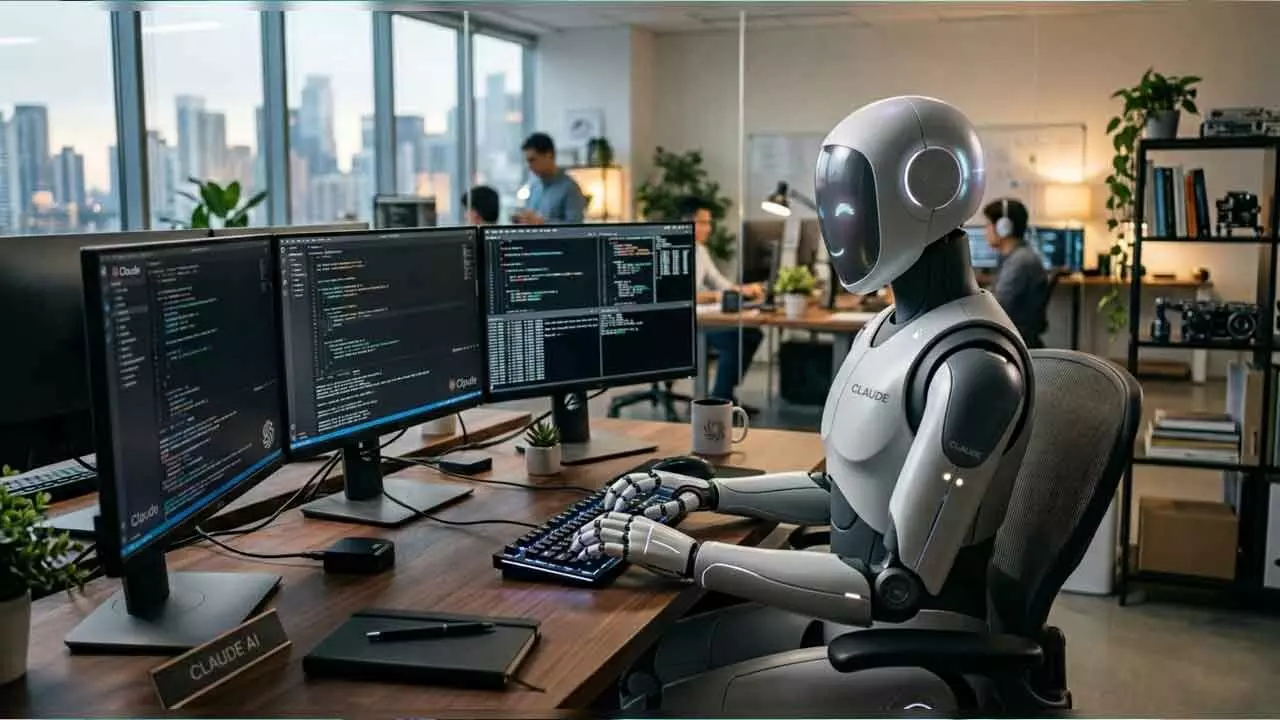
Anthropic’s Claude now independently builds, tests, and fixes software, bringing a new level of autonomous AI interaction to desktop computing.
Anthropic has introduced a significant upgrade to its AI assistant Claude, pushing the boundaries of automation with a new feature called “Computer Use.” Designed to enhance productivity and reduce manual intervention, this capability allows Claude to independently interact with desktop applications, mimicking how a human operates a computer.
Developed under the leadership of Dario Amodei, the update enables Claude to execute complex workflows without requiring constant user input. From writing code to launching applications and troubleshooting errors, the AI can now handle multiple steps within a single command. This marks a notable evolution in how AI systems assist with software development and general computing tasks.
According to Anthropic, the feature is integrated into Claude Code and is currently accessible through a command-line interface on macOS systems. Once activated, Claude gains the ability to open apps, navigate interfaces, and perform actions directly on the user’s desktop. This includes compiling programs, testing outputs, identifying bugs, and implementing fixes—all autonomously.
Anthropic highlighted the feature’s efficiency in a statement shared on X: “In one prompt, Claude can write the code, compile it, launch the app, click through it, find the bug, fix it, and verify the fix.” This streamlined process eliminates the need for users to switch between tools or manually oversee each stage of development.
The setup process involves enabling the “computer-use” MCP server within an interactive Claude Code session. Users can activate it by running the ‘/mcp’ command in the terminal and selecting the appropriate option. However, to function effectively, the system requires specific macOS permissions, including Accessibility and Screen Recording. These permissions allow Claude to view and control on-screen elements, making seamless interaction possible.
Currently, the feature is available as a research preview for subscribers on Pro and Max plans, and it requires Claude Code version 2.1.85 or later. While its capabilities are extensive, access remains limited to macOS environments for now.
Anthropic has also emphasized user control and security. Each session requires explicit permission to access applications, ensuring that Claude only interacts with software approved by the user. Additionally, the system is designed with safeguards such as session locks, which prevent multiple instances of Claude from controlling the same device simultaneously.
Users retain the ability to interrupt operations at any time using the Escape key or terminal commands, providing an added layer of control. Applications that request broader system access trigger additional warnings, reinforcing transparency and user awareness.
This update reflects a broader trend in AI development, where systems are increasingly capable of executing end-to-end tasks with minimal supervision. By enabling Claude to function as an autonomous digital operator, Anthropic is positioning its AI as not just a conversational assistant, but a hands-on productivity tool.
As AI continues to evolve, features like Computer Use could redefine how individuals and developers interact with technology—shifting from guidance-based assistance to fully delegated execution.