IFMS MP Treasury Pay Slip

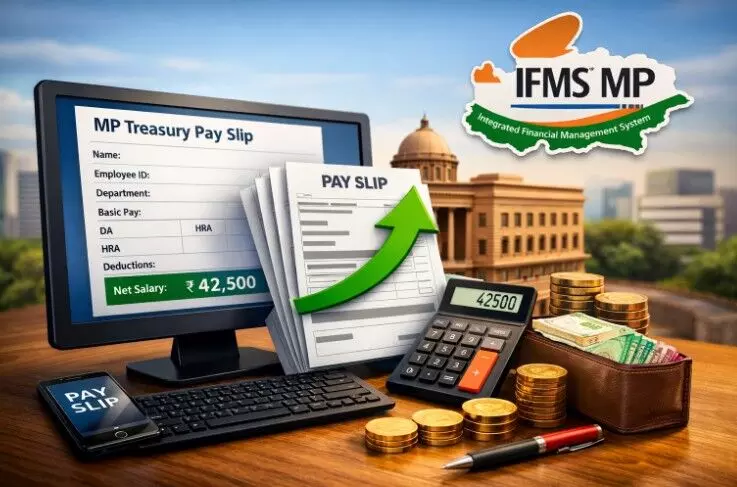
If you're working with the Madhya Pradesh government, chances are you've heard about the IFMS MP Treasury. Gone are the days when you had to run to your office just to collect a salary slip or wait for someone to hand you a printout. Now, everything's available online, and honestly, it's pretty straightforward once you know how it works.
What's This IFMS MP?
IFMS stands for Integrated Financial Management System. Think of it as the MP government's digital backbone for handling salaries, pensions, and treasury operations. Before this came along, everything was done on paper. You'd fill out forms, wait for approvals, and hope nothing got lost in the shuffle.
The old way had its problems. Mistakes happened more often than they should have. Delays were common. And if you needed proof of your salary for a loan or something urgent, you'd better have time to spare. The IFMS system changed all that by putting everything in one place and making it accessible from your phone or laptop.
Why Your Pay Slip Matters More Than You Think
Your pay slip isn't just a piece of paper showing how much you earned last month. It's become an important document for all sorts of things. Banks want to see it when you apply for loans or credit cards. If you're filing your income tax returns, you'll need the details from your pay slips. Even landlords sometimes ask for them when you're renting a place.
What's nice about the IFMS system is that it shows you everything clearly - your basic pay, allowances like HRA and DA, any deductions like GPF or income tax, and what you actually take home at the end of the month. No guessing, no confusion.
Who Can Actually Use This Portal?
The portal is mainly meant for:
- All MP government employees (that's the obvious one)
- Pensioners who want to check their pension details
- Department officials and treasury officers
- Drawing and Disbursing Officers (DDOs)
You need proper login credentials to access it. This keeps things secure and makes sure people can only see their own information.
How to Download Your Pay Slip
Downloading your salary slip from the IFMS portal is quick and straightforward:
- Open the official MP Treasury IFMS website or visit: https://ifmsmp.com/.
- Go to Employee Services and click Pay Slip.
- Enter your employee ID and password.
- Select the month and year you want.
- Click Download or Generate Pay Slip.
- Once it opens, you can save it as a PDF or print it if needed.
When Things Don't Go as Planned
Technology isn't perfect, and sometimes you'll run into issues. The most common one? Forgetting your password. It happens to everyone. If that's the case, contact your DDO or the treasury office to get it reset.
Sometimes the portal runs slow, especially if lots of people are trying to access it at the same time - like around salary day. If that happens, try logging in at a different time, maybe early morning or late evening.
Make sure you're typing your employee code correctly. It sounds basic, but it's easy to make a typo, especially if you're in a hurry. And if the page isn't loading at all, clear your browser cache or try a different browser.
What Makes This System Actually Useful
The biggest advantage is convenience. You're not tied to office hours or dependent on someone else's availability. Need your pay slip at 10 PM on a Sunday? Go ahead and download it.
It's also transparent. You can see exactly where your money is going - every allowance, every deduction, everything's right there. This reduces the chance of errors going unnoticed and helps you plan your finances better.
The portal isn't just about pay slips either. You can check your GPF statement, look at tax deductions, and access other financial information that used to require separate requests.
A Few Things to Keep in Mind
The system works fine on mobile phones, so you don't necessarily need a computer. The files download as PDFs, which opens easily on any device.
There's no charge for using this service. It's completely free for all eligible employees.
Your pay slips from the IFMS portal are accepted by banks, loan companies, and other institutions as valid proof of income. Some people worry about this, but it's not an issue.
If you change your mobile number and haven't updated it in the system, that could cause problems with OTP verification. Make sure to update your contact details through your office or the treasury department.
Conclusion
The IFMS portal has made life genuinely easier for MP government employees. You don't need to depend on anyone else to access your own salary information. It saves time, reduces paperwork, and puts you in control of your financial documents.
Sure, there's a small learning curve if you're not comfortable with technology, but it's nothing you can't figure out with a little practice. And once you do, you'll wonder how anyone managed without it.